netviz

802.11 · WiFi

Wi-Fi RF Lab data rates & mandatory rates

Every Wi-Fi cell is as big as its slowest required speed. Toggle each rate on or off, flip between real presets, and drag a client to see what it actually gets — the highest-impact tuning knob most networks never touch.

Sequence diagram poster of the WPA2 4-way handshake

Requesting scene from the content service…

1 Mbps
ancient basic rate
4 presets
real rate configs
lowest mandatory ratecell edgeDSSS rates 1/2/5.5/11beacon rate

What you'll learn

  • Why the lowest mandatory (basic) rate sets the cell edge and the beacon/multicast rate.
  • How disabling low DSSS rates (1/2/5.5/11) shrinks the cell and frees airtime.
  • What each preset does: factory, recommended modern, voice/Apple, and the single-mandatory extreme.
  • How a client's achievable rate falls with distance — and when it drops out of coverage.

The cell is the slowest mandatory rate

Beacons and group-addressed frames go out at the lowest mandatory rate, and slow means far — so that one setting quietly defines how big your cell is and how much airtime overhead costs. Leave the ancient 1 Mbps rate mandatory and the cell balloons; raise the floor to 12 or 24 Mbps and it tightens to something fast and healthy.

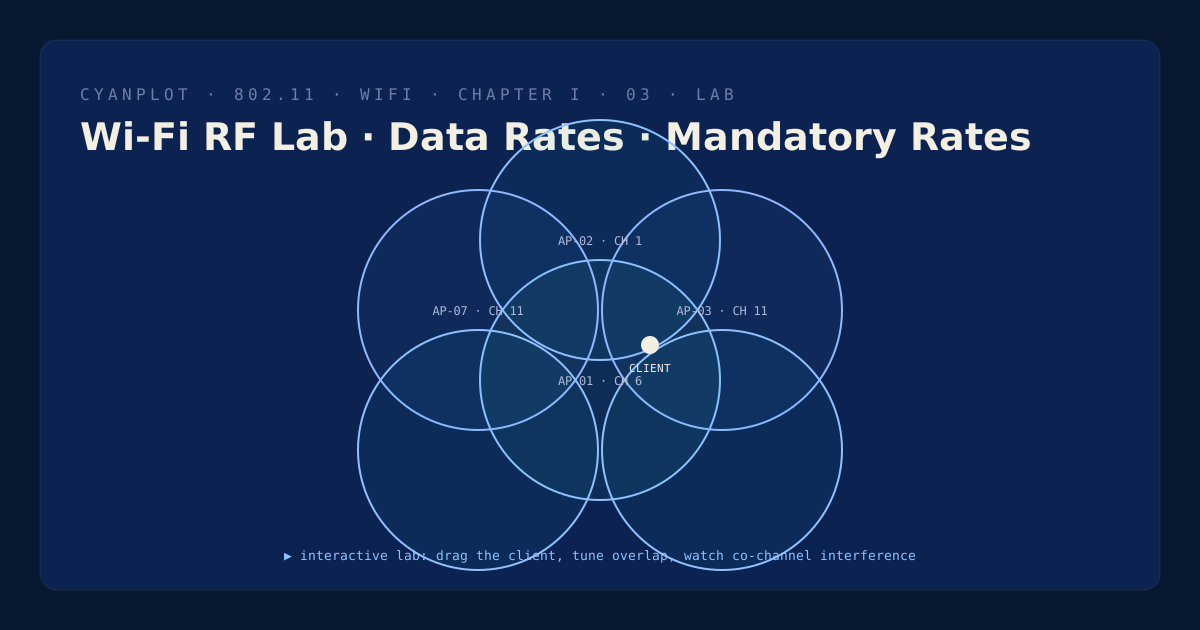
This lab lets you toggle each rate between mandatory, supported and disabled (or apply a preset), then drag a client to read its achievable rate, beacon rate and management rate at any distance — turning red when it falls outside coverage.

Atlas index