netviz

802.11 · WiFi

Wi-Fi RF Lab reality: place your own APs

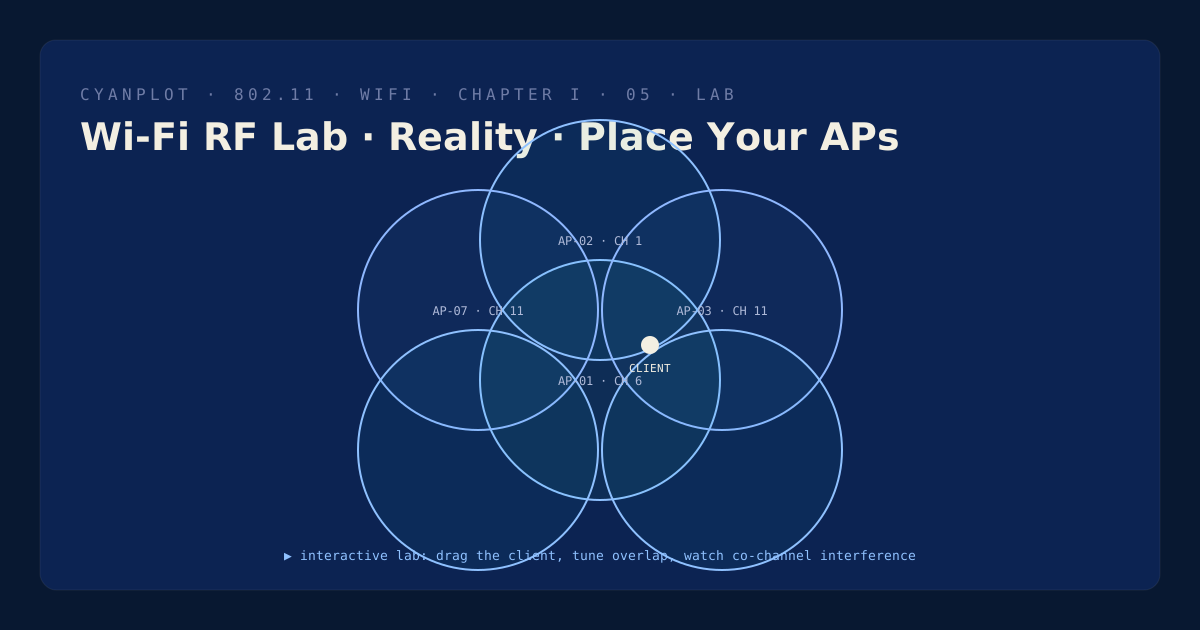
Recreate any floor: drop access points, drag them, change channel and power, and watch what happens when two on the same channel get too close. The demo that turns 'just add an AP' into 'tune what you have'.

Sequence diagram poster of the WPA2 4-way handshake

Requesting scene from the content service…

12 dB
roaming threshold
1/6/11
the 2.4 GHz plan
co-channel interferencetransmit powercell sizeroaming

What you'll learn

  • How transmit power sets cell size — and why raising it often makes things worse.
  • Why same-channel cells that overlap share one airtime domain (co-channel interference).
  • How the 2.4 GHz 1/6/11 plan forces reuse, and how 5 GHz absorbs it.
  • How a client picks and sticks to an AP (roaming with a 12 dB threshold).

A whiteboard for RF design

Sequence plates replay a conversation; this lab hands you a floor and the access points to cover it. Add or remove APs, drag them anywhere, switch each one between 2.4 and 5 GHz, cycle its channel, and slide its power up or down. Same-channel cells that overlap light up red — that clash is the slowdown people blame on 'bad Wi-Fi'.

A draggable client measures what it hears from every AP, ranked by signal, and sticks to its current AP until a rival beats it by the roaming threshold — exactly how a real device behaves.

Atlas index